All apps
Parkback
Parking · iOS · In development
One tap and you'll know where you parked
Your iPhone only remembers where you parked on its own if your car has CarPlay or Bluetooth. And in a multi-storey car park, a pin on a map doesn't help much, because it can't tell which level you're on. Parkback saves the spot with one tap, and you can add the level, row and a photo of the space.
If you have a parking ticket running, the app shows a countdown on your lock screen and reminds you before it runs out. Enter the parking rates and you can see what it has cost so far and when the price goes up. Everything stays on your iPhone. By the way, the app doesn't replace a parking disc; it's just a reminder for you.
Not in the App Store yet
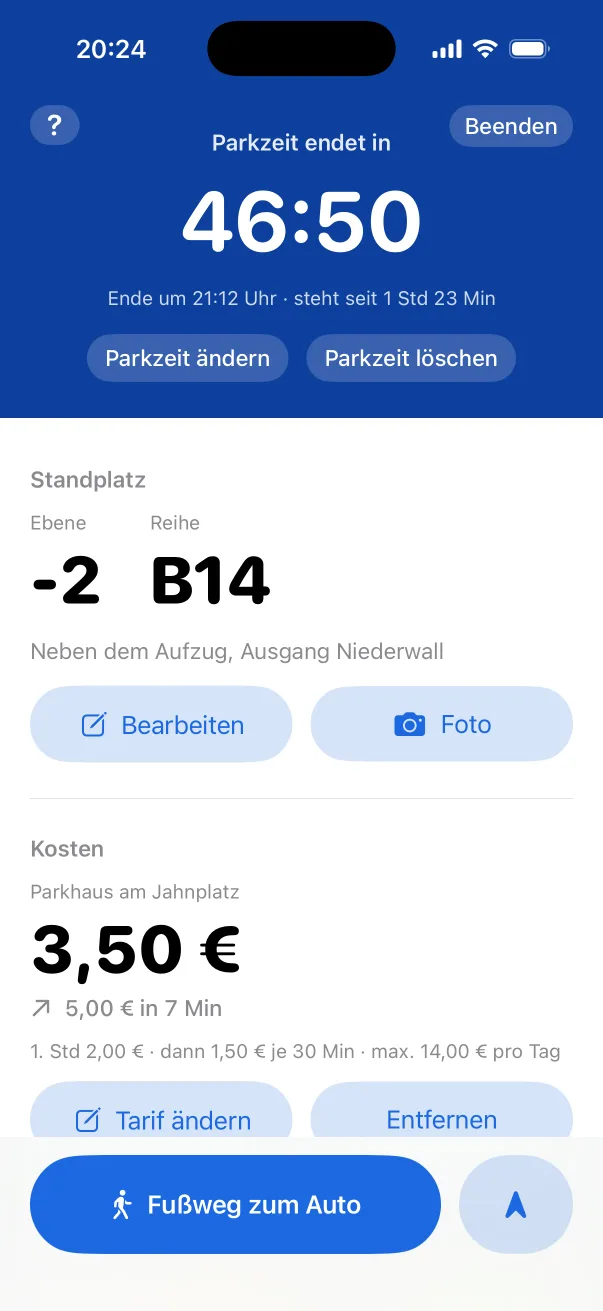
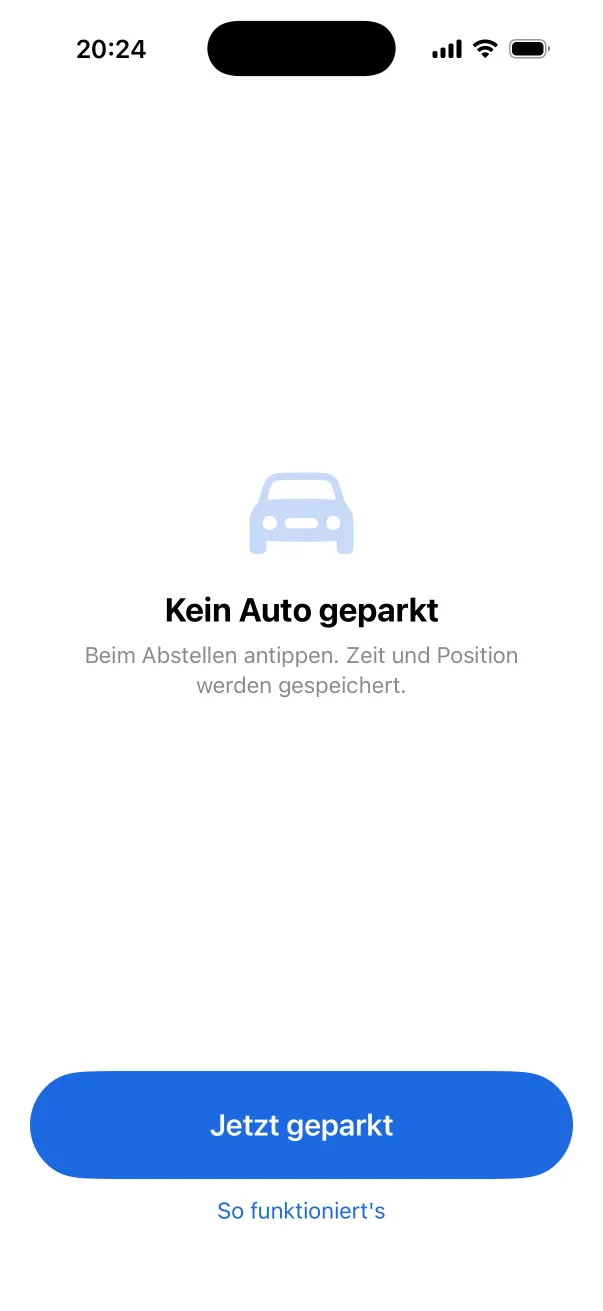
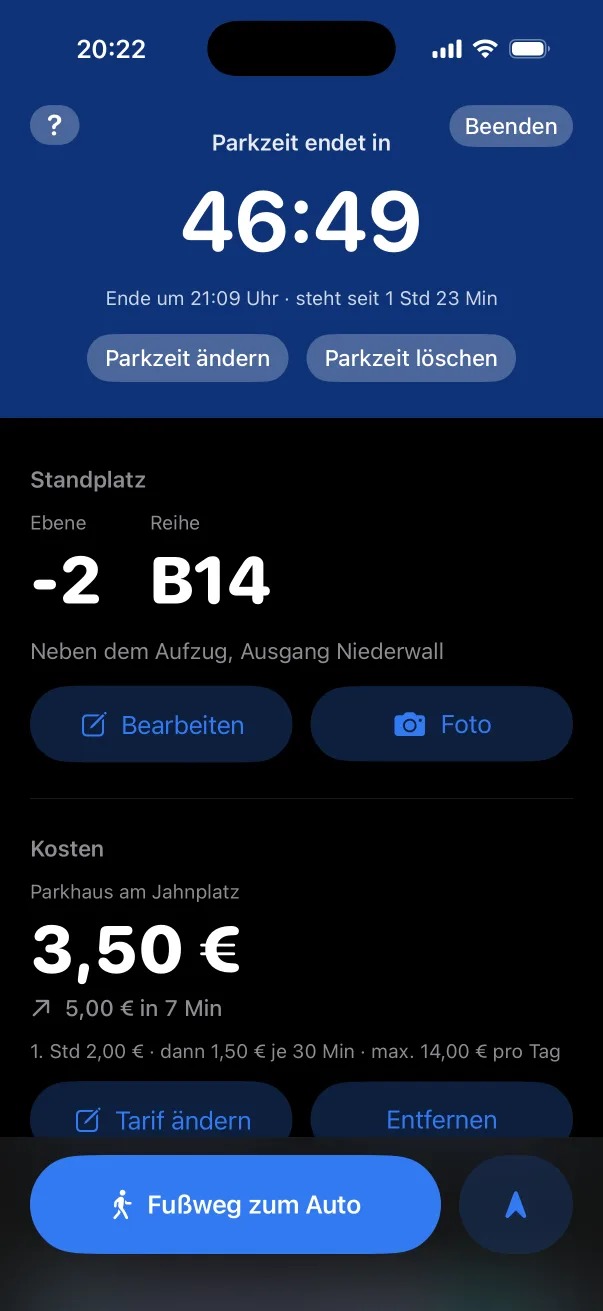
Preview
Real screenshots from the iOS Simulator.
What Parkback can do
- Just one tap
- “Jetzt geparkt” (parked now) saves the time and your location. Works with Shortcuts and Siri too.
- Level, row, photo
- Shown big at the top, because that's exactly what you're looking for in a car park. The map comes further down.
- Parking time on your lock screen
- A countdown as a Live Activity, plus a notification before your ticket runs out.
- What's it costing so far?
- Enter the parking rates and the app keeps track. You see the current cost and when it goes up.
- Walk back to your car
- Apple Maps shows the route, and a direction arrow helps with the last few metres.